Mollak service charges: check and pay in Dubai (2026)
Check RERA-approved Mollak service charges, match your building and budget year, and understand invoice payments through DLD’s official channels.

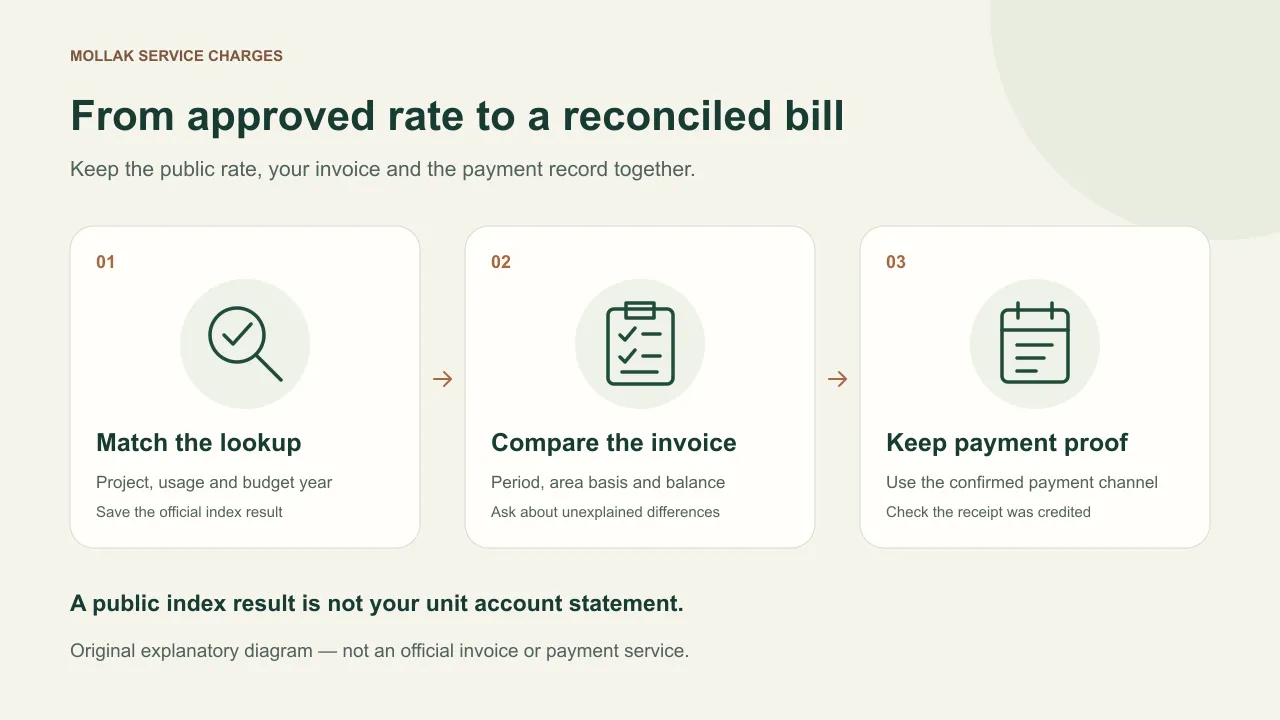
Mollak service charges are the jointly-owned-property charges overseen through DLD/RERA’s Mollak system. Use DLD’s Service Charge Index to look up the approved rate for your project, usage and budget year; compare that result with your own invoice before paying. The official index service also lists Dubai REST as an access channel (checked 9 November 2026).
Do you need a rate, an invoice balance or a complaint?
| Your task | Start here | Keep for comparison |
|---|---|---|
| Look up an approved rate | DLD Service Charge Index | Exact project, usage, year and result date |
| Pay or reconcile an invoice | Management's confirmed owner-payment channel; retain the actual invoice and receipt | Invoice reference, beneficiary and how the payment was credited |
| Resolve a rate or balance mismatch | Ask management for the approval and account statement separately | The lookup result, invoice, earlier receipts and written reply |
| Report poor common-area service or maintenance | Ask management first; DLD’s FAQ describes Dubai REST / RVS for unit owners | Dated observations, report reference and management’s reply |
An invoice correction and a report of poor maintenance need different routes. Use the index for the approved rate; ask management to reconcile your invoice. For an owner’s maintenance complaint, start with the route in DLD’s jointly-owned-property FAQ. Sources checked 9 November 2026.
What is Mollak, and what does it do?
The official Mollak portal describes a system for supervising service-charge payments and related accounts in jointly-owned properties. Its process guide separates management-company registration, community registration and management agreements, and explains that approved rates are published for public viewing. Both sources checked 8 November 2026; these describe the system, not approval of a particular invoice.
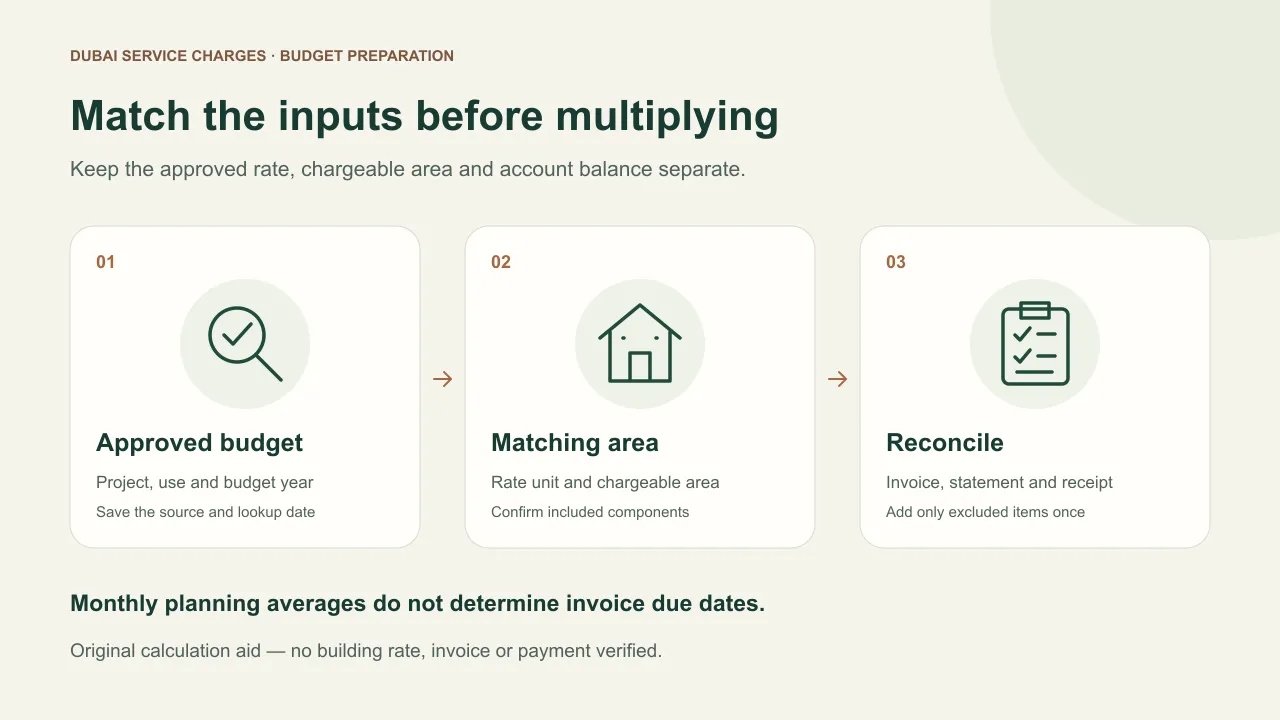
Keep three questions separate: What is the approved rate? What does my unit’s invoice include? Has my payment been credited? A public index result answers a different question from an individual account statement. For background on ongoing ownership costs, read our Dubai community-fees guide.
How to check Mollak service charges online
The DLD Service Charge Index form offers project and title-deed lookup routes. Match the requested fields to your own title deed. Source checked 9 November 2026.
- Open the official index and choose the relevant lookup route: Service Charge Index or Title Deed No.
- For the project route, select Projects, Usage and Year. Match the actual building or project and its use, rather than choosing a similarly named development.
- For the deed route, use the requested Certificate No., Certificate Year, Property Type and Budget Year. The form explains the certificate fields with a sample deed.
- Complete the form’s verification requirement and choose Calculate. Check the project, year, applicable dates and management details shown in the result.
- Retain the result or its PDF export and compare it with the invoice for the same period. The result notes that service charges do not include arrears; reconcile any previous balance separately.
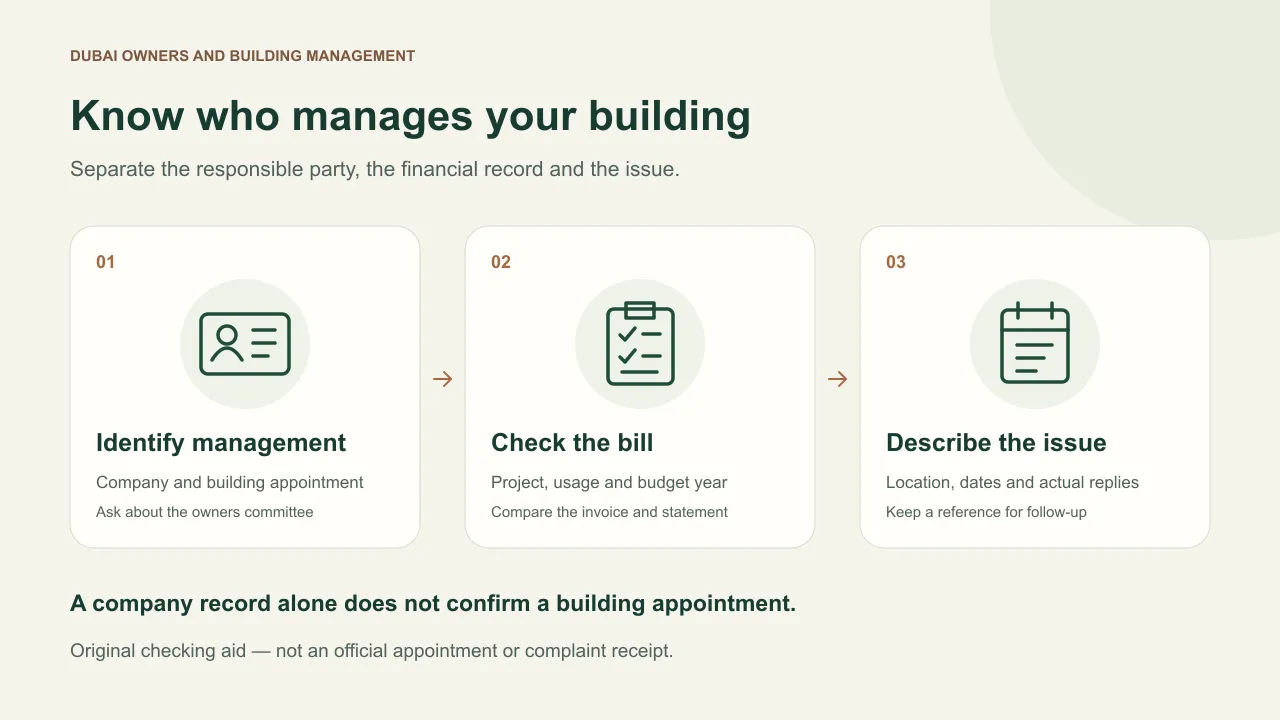
An empty form or a “No Data found” message does not establish a zero charge. Recheck the identifiers and year, then ask management for the approval and an explanation of the mismatch. Our owners association and management guide distinguishes the company handling the account from the committee that raises owners' concerns. Address the invoice query to the responsible company and keep any committee follow-up with the same record.
Mollak payment: what are the official options?
DLD’s Jointly-Owned Property FAQ says owners receive an email or SMS notice from Mollak and pay through approved channels into RERA-approved accounts. It describes a direct deposit into the regulatory account printed on the invoice, with payment proof sent to management, or Noqodi using wallet, card or net banking (rechecked 9 November 2026). Confirm the current channel and beneficiary for your invoice with management.
Before using an invoice link, open the official service independently and compare the property, invoice reference, period and beneficiary. If payment details have changed, confirm them with management through contact information you already trust. After payment, retain the receipt and ask for reconciliation if the balance still looks wrong.
Check the final fee and total on the official payment screen before authorising payment. Ask management to explain anything that differs from the invoice. Keep ownership and payment details in the official service.
Is there a Mollak app, or should I use Dubai REST?
The official Dubai REST index walkthrough, opened 9 November 2026, shows Services → Service Charge Index, then manual or map entry, project, usage and year, followed by the search result. Use that route to look up the rate. For an invoice payment, follow the channel confirmed by management.
Start through DLD’s own website or app links. If your unit is missing or account details need correction, describe the problem to DLD or management without sending passwords or payment credentials. Do not assume that a management-company registration screen is the owner-payment journey.
What should you compare on the invoice?
Ask management to answer these questions against the invoice and account statement.
| Item | Question to resolve |
|---|---|
| Property identity | Is this the correct project, building and unit? |
| Period | Does the invoice period match the approval year and dates? |
| Rate and area basis | Which approved rate and chargeable area produced each component? |
| Previous balance | Which unpaid invoices, credits or adjustments make up the opening balance? |
| Payment record | Has each receipt been allocated to the correct invoice? |
| Beneficiary | Do the invoice and confirmed payment channel identify the same account? |
Do not multiply an advertised floor area by a rate without checking the invoice’s area basis. Our BUA and area-comparison guide explains why labels matter. A buyer comparing two units can also use the SPA guide to keep purchase obligations separate from recurring costs.
Fictional reconciliation example: assume an invoice is AED 3,000 and a matching AED 1,000 receipt has been posted, with no other ledger items. The remaining amount would be AED 2,000. If management’s statement still shows AED 3,000, ask where that receipt was allocated before making another payment. If the invoice and approval cover different periods, reconcile those first; a numerical difference alone does not prove an incorrect rate.
For unresolved service or maintenance issues, DLD’s FAQ describes Dubai REST → Real Estate Violations System (RVS) for unit owners; it lists 8004488 for enquiries (rechecked 9 November 2026). For a maintenance complaint, keep dated observations and management’s reply. For a bill query, retain the approved rate, invoice, statement and receipts. Ask DLD about any complaint fee and expected follow-up; seek case-specific advice before changing payment arrangements.
For a resale, the property transfer NOC guide helps keep the issuer’s certificate charge, service-charge account and later registration result separate. Ask the issuer which settlement records apply to your unit.
FAQ
How much are Mollak service charges in Dubai?
Look up your exact project, usage and year in the official index, then reconcile the rate and area against the unit’s invoice.
Can I make a Mollak service charge payment online?
DLD lists approved electronic payment channels in its FAQ. Follow the verified invoice and official service route described above, check any displayed fee and retain the receipt. This site does not accept payment.
Does the index amount include arrears?
The DLD lookup’s result labels say service charges do not include arrears. Ask management to reconcile earlier balances and credits separately instead of treating the index as your account statement.
What if my invoice and the index do not match?
First match the property, usage, year, invoice period and area basis. Ask management for the approval and a written breakdown, attaching the result and invoice. Do not assume the difference proves an error or misconduct.
Related guides
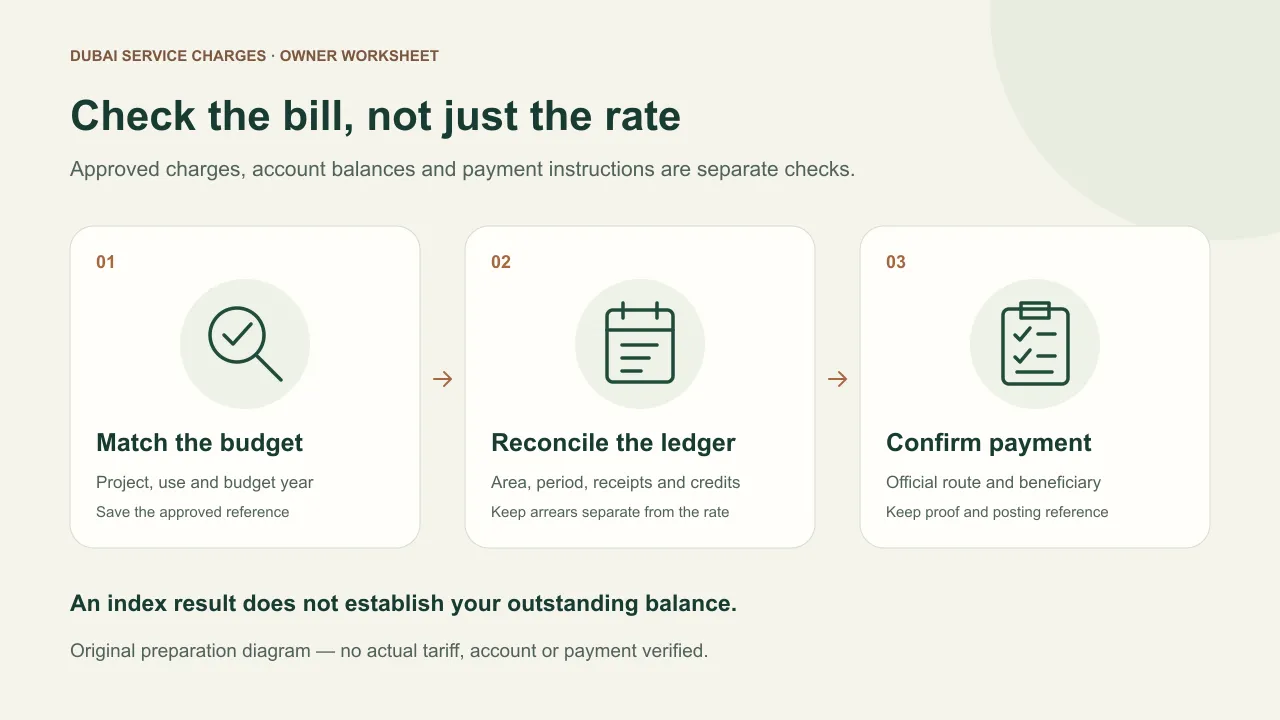
For a separate disturbance, use the noise-complaint guide to prepare a building-management record. For an account balance, use the owner’s service-charge bill-checking guide to reconcile the approved budget, arrears and posted payments.
If the disturbance comes from a nearby worksite, the construction-noise report and follow-up steps help keep that report separate from your service-charge query.
Sources
- Dubai Land Department / RERA — Mollak — https://mollak.dubailand.gov.ae/ · checked
Official portal describes monitoring jointly-owned-property service charges and account oversight. Indexed official text was available; direct extraction returned an empty page. Landing page carries a 2020 update label, not a current payment-session verification.
- Dubai Land Department / RERA — Mollak process — https://mollak.dubailand.gov.ae/publicpages/mollak-process.html · checked
Official process explains management and community registration, management agreements and publication of approved rates. No approval or payment session for a real property was performed.
- Dubai Land Department — Service Charge Index overview — https://dubailand.gov.ae/en/eservices/service-charge-index-overview/ · checked
Reopened official service card on 9 November 2026. Service looks up RERA-approved jointly-owned-property charges by project, usage and year; DLD website and Dubai REST are listed channels. No particular building rate inferred.
- Dubai Land Department — Service Charge Index lookup — https://dubailand.gov.ae/en/eservices/service-charge-index/ · checked
Visible form fields include project/usage/year or certificate number/year/property type/budget year. Results include management and date fields and a note that service charges exclude arrears. Default No Data found text is not an executed lookup result.
- Dubai Land Department — Frequently Asked Questions — https://dubailand.gov.ae/en/frequently-asked-questions/ · checked
Jointly-Owned Property Services answers describe Mollak notices, RERA-approved payment accounts, invoice account details, transfer-slip notification and Noqodi options. Reopened 9 November; also describes Dubai REST/RVS for unit-owner service or maintenance complaints and 8004488 for enquiries. No gateway fee, withholding right, signed-in menu, owner-payment or complaint journey, resolution time or property-specific debt verified. No authenticated payment or complaint performed.
- Dubai Land Department — Dubai REST Service Charge Index walkthrough — https://dubailand.gov.ae/media/vkcojy4z/service_charge_index_en.pdf · checked
Opened official four-page lookup walkthrough shows Services, Service Charge Index, manual/map entry and project/use/year search. It does not verify the current owner-payment interface; no app session tested.
- Dubai Land Department — Customer Support — https://dubailand.gov.ae/en/ · checked
Official homepage links Owner Services (JOP) for complaints, suggestions, inquiries and rectification notices. No complaint filed; no outcome or response time asserted.
More in Ownership costs
Start here: Dubai properties service charges: fees and checks (2026)